File
- New plan
- Save to your workspace, or save a .yard file on the device
- Load from the workspace or from the device
- Tutorial
YardCAD
YardCAD is a landscape design tool for laying out gardens, plants, paths, and hedges, then walking through the garden as it grows. It runs in the browser on desktops, iPads, and Chromebooks.
Start Editor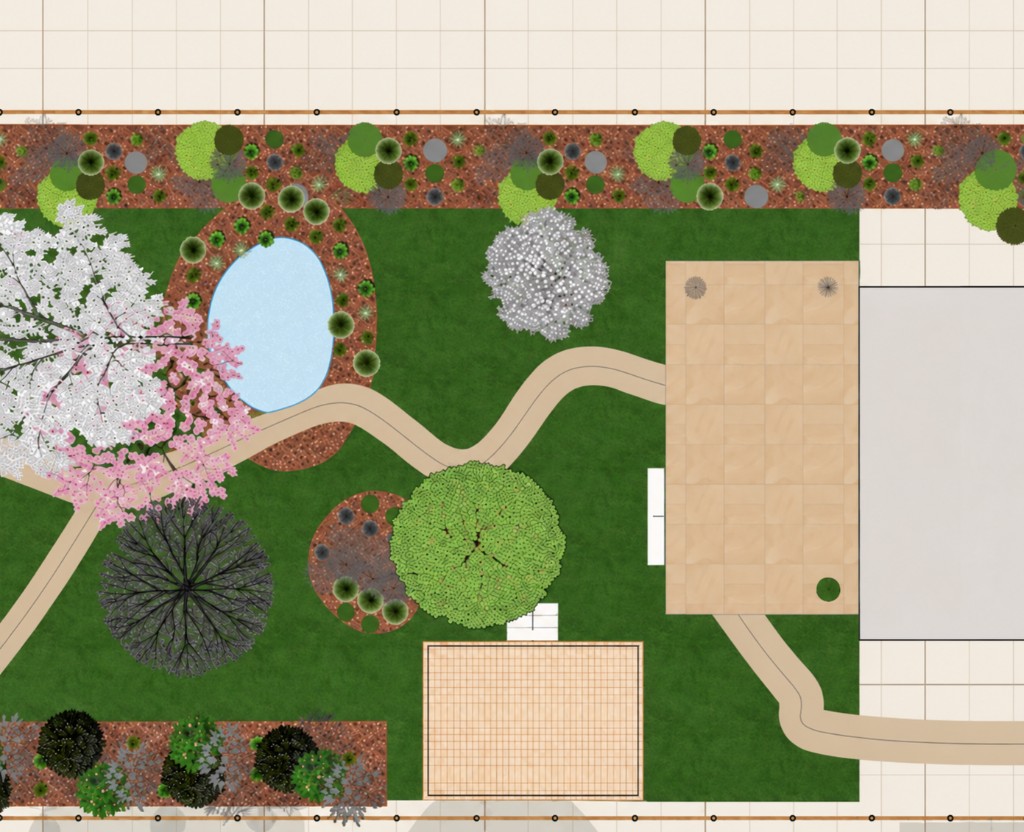

Open the editor in the browser. There is no separate app to install.
On an iPad, pinch to zoom the sheet and pan with two fingers. A dock on the drawing gives zoom, fit, and pan. A long press opens the menu for the thing under your finger: finish a line, undo the last point, delete, or move a layer. In the walk, drag to look around, use the stick to move, and hold Run to go faster.
A Chromebook opens the same editor in Chrome. Draw with the keyboard and pointer. A touchscreen, or a narrower window, brings up the same on-canvas dock.
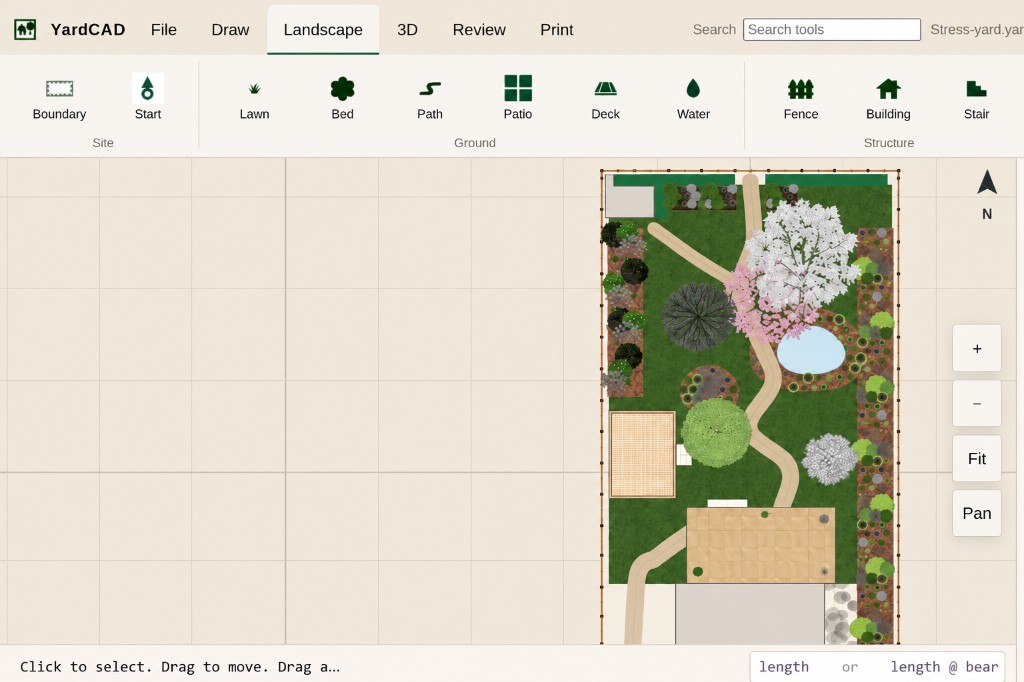
Choose a layer, then pick a plant. A click sets it as the thing you draw. A double-click, or a long press, applies it to the selection.
YardCAD is part of the Horticulture and Landscape Design Curriculum developed and distributed by CTeLearning.com. Learn more at Landscape Design | High School and Middle School.
Transform your horticulture and landscape design program into a STEM pathway. Turnkey, Chromebook-ready curriculum for high school and middle school.